
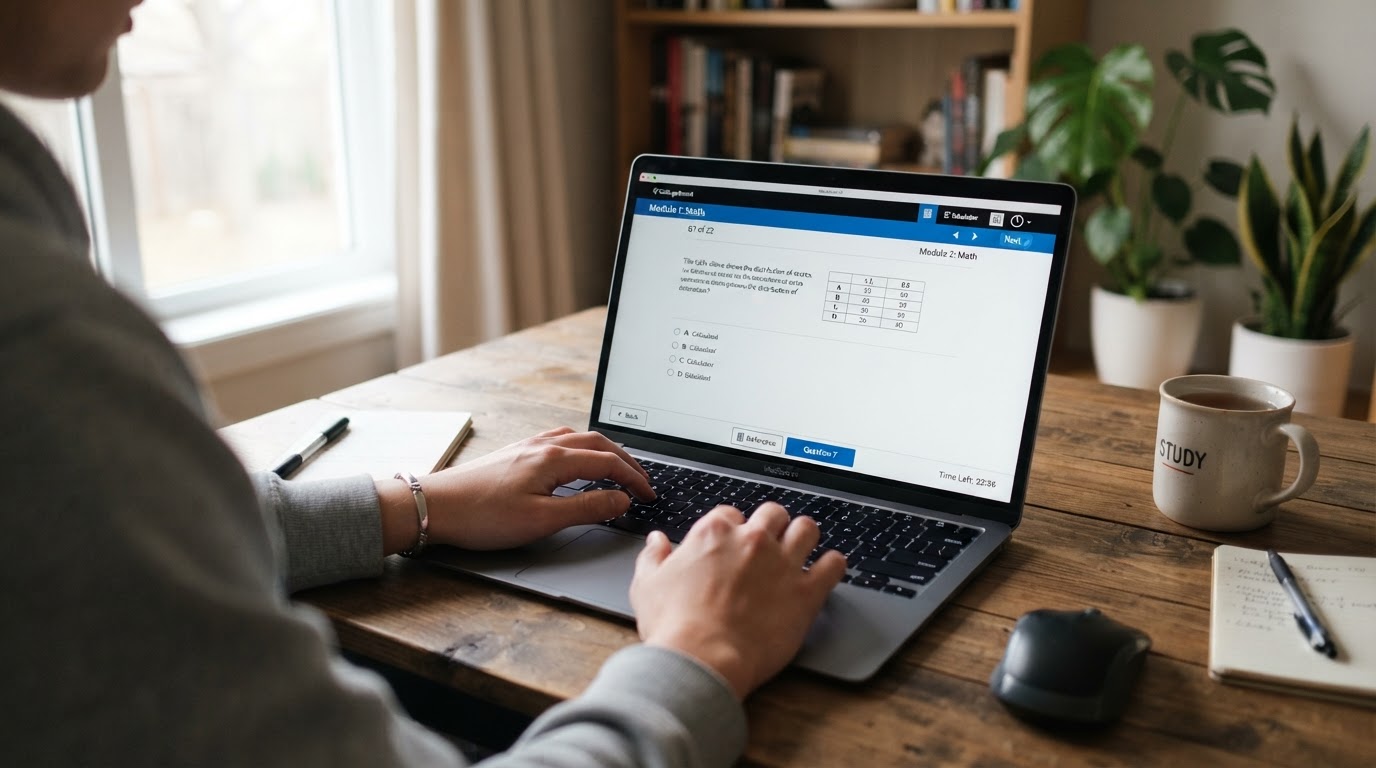
How to use the official Bluebook app for realistic practice, including adaptive modules, annotations, and the Desmos calculator.
Practicing in the Bluebook application is the most realistic way to prepare for the digital SAT. Familiarity with the interface reduces test-day anxiety and helps you manage your time.
What Bluebook Offers
- Official full-length digital practice tests
- A built-in graphing calculator (Desmos)
- Annotation and highlight tools
- A countdown timer for each module
- An on-screen reference sheet for math formulas
How to Practice Effectively
Take at least one full-length Bluebook practice test under timed conditions. Replicate the test environment as closely as possible: use a laptop, sit at a desk, and avoid interruptions. Review every question you missed and categorize the mistake.
Using the Desmos Calculator
Desmos is available throughout the Math section. Learn to graph functions, find points of intersection, and evaluate expressions. Some questions are far faster to solve with Desmos than algebraically.
Annotation Tools
Bluebook lets you highlight and flag questions. Use flagging to mark questions you want to revisit, but remember that the adaptive format means you should answer every question before moving to the next module.
Related Articles in Digital SAT Preparation
 Advertisement